

Cart
0
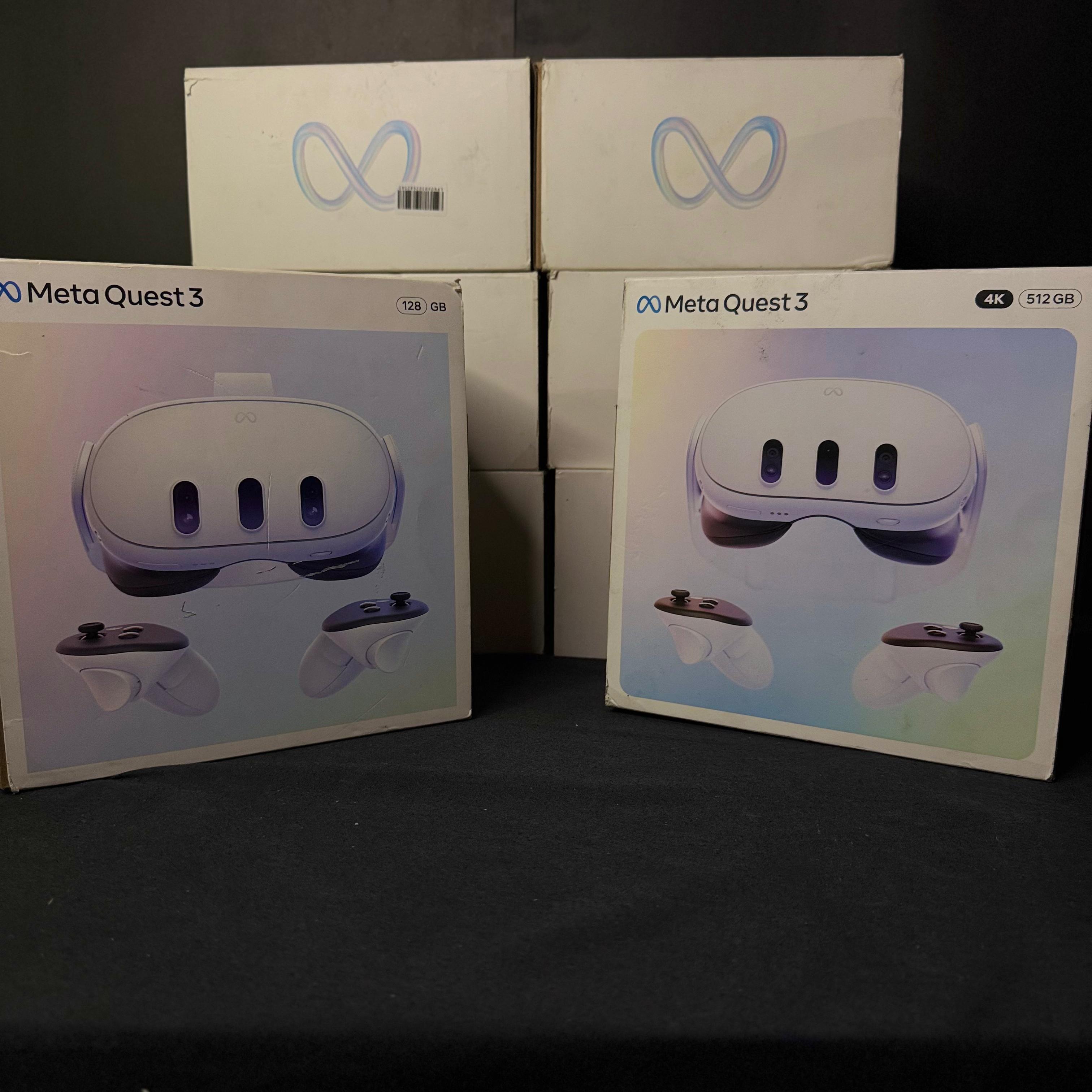
What is the Meta Quest 3?
The Meta Quest 3 is Meta’s latest standalone virtual reality headset. Unlike traditional VR systems, it doesn’t require a gaming PC or PlayStation console to work.
Everything you need is built into the headset.
That means you can put it on, complete the setup, and start playing within minutes.
What Makes Meta Quest 3 Different?
The biggest upgrade is Mixed Reality (MR).
Instead of only placing you in virtual worlds, the Quest 3 can blend digital objects with your real room using its color passthrough cameras.
You can:
- Play games in your living room.
- Watch movies on a massive virtual screen.
- Exercise with interactive fitness apps.
- Work using multiple virtual monitors.
Key Features
- High-resolution pancake lenses
- Powerful Snapdragon XR2 Gen 2 processor
- Color mixed reality cameras
- Wireless freedom
- Hand tracking
- Touch Plus controllers
- Large game library
- Fitness and productivity apps
Do You Need a Gaming PC?
No.
The Quest 3 works completely on its own.
However, if you own a gaming PC, you can connect wirelessly using Air Link or Steam Link to enjoy PC VR titles.
This gives you the best of both worlds.
What Can You Do with a Quest 3?
Gaming is only the beginning.
Many users also enjoy:
- Watching Netflix and YouTube
- Virtual travel experiences
- Home fitness
- Meditation
- Social VR
- Learning new skills
- Productivity apps
- Virtual desktop workspaces
Is Meta Quest 3 Good for Beginners?
Absolutely.
The setup process is straightforward, and Meta provides clear tutorials that make it easy even for first-time VR users.
If you’ve never experienced virtual reality before, the Quest 3 is one of the best places to start.
Best Accessories
To get the most from your Quest 3, consider:
- Elite Strap
- Carrying Case
- Extra Controllers (if needed)
- Power Bank
- Prescription Lens Inserts
- Charging Dock
Frequently Asked Questions
Can Meta Quest 3 work without a PC?
Yes.
It is a standalone VR headset.
Can I connect it to Steam?
Yes.
Using Steam Link or Air Link, you can play compatible PC VR games.
Is Meta Quest 3 suitable for children?
Meta has age recommendations and parental controls. Parents should review Meta’s latest guidance before purchasing for younger users.
Does Quest 3 support mixed reality?
Yes.
This is one of its biggest features.
Is Quest 3 worth buying?
If you’re interested in virtual reality, mixed reality, gaming, fitness, or immersive entertainment, the Quest 3 is among the best standalone VR headsets available.
Why Buy from Gamepedia?
At Gamepedia, we help gamers choose the right products—not just the most expensive ones.
When you shop with us, you get:
- Genuine Meta products
- Competitive prices
- Fast nationwide delivery
- Friendly customer support
- Expert advice before and after your purchase
Whether you’re entering VR for the first time or upgrading your setup, we’re here to help.
Final Thoughts
The Meta Quest 3 is much more than a gaming headset.
It combines entertainment, fitness, productivity, and mixed reality into one device that anyone can enjoy.
If you’re looking for one of the best VR experiences available today, the Meta Quest 3 deserves a place at the top of your list.
Explore the latest Meta Quest products and accessories at Gamepedia and take your first step into virtual reality.

